
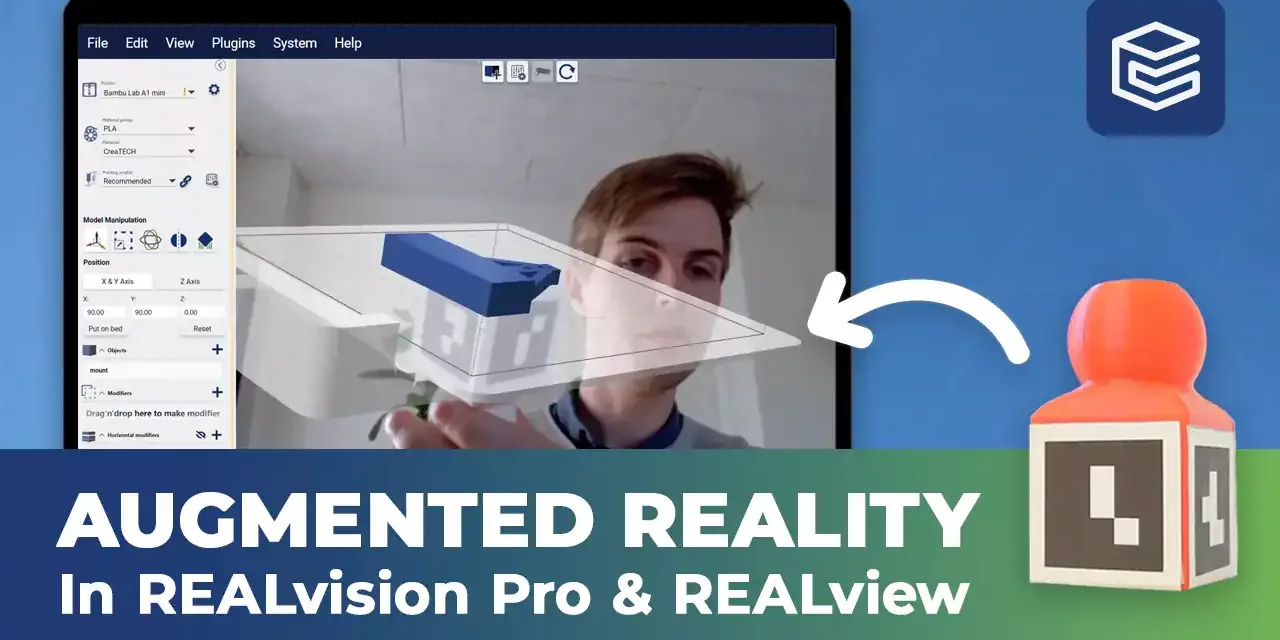
Augmented reality in REALview
Learn how to use REALview in REALvision Pro with this step-by-step tutorial.
REALview is a great tool that allows you to get a view of your print in the real world Before committing time and materials to print it.
Video content
You will need:
- A webcam.
- Focus markers printed on a piece of paper.
- A focus model to attach the focus markers to.
- To find the focus markers, go to Plugins – REALview – Setup Guide.
- To find the focus model, go to Plugins – REALview – Load REALview Focus to Workspace.
- The focus model is designed to be printed as it is. Print the focus model.
- Print the focus markers on a piece of paper. Cut along the solid lines and bend along the dotted lines.
- Glue the markers onto the focus model.
- Load your desired model in REALvision Pro.
- Click on the REALview icon. Now, when you hold your focus model up to your webcam, REALview detects the markers and displays the printbed with the printed part on top of it.
Reliable software supported by real 3D printing experience
Experience behind the trusty toolbox is the key to success. The software is based on the REALvision core, which is the backbone of the slicing software for a decade serving printer manufacturers as a white-label software. There is a team of experts who knows 3D printing from the inside out, continuously working on updates and new features. They are not only writing codes but constantly testing material, print settings, and experimenting. This is the expertise that REALvision Pro customers can access without risking their problems being posted in an online forum.