
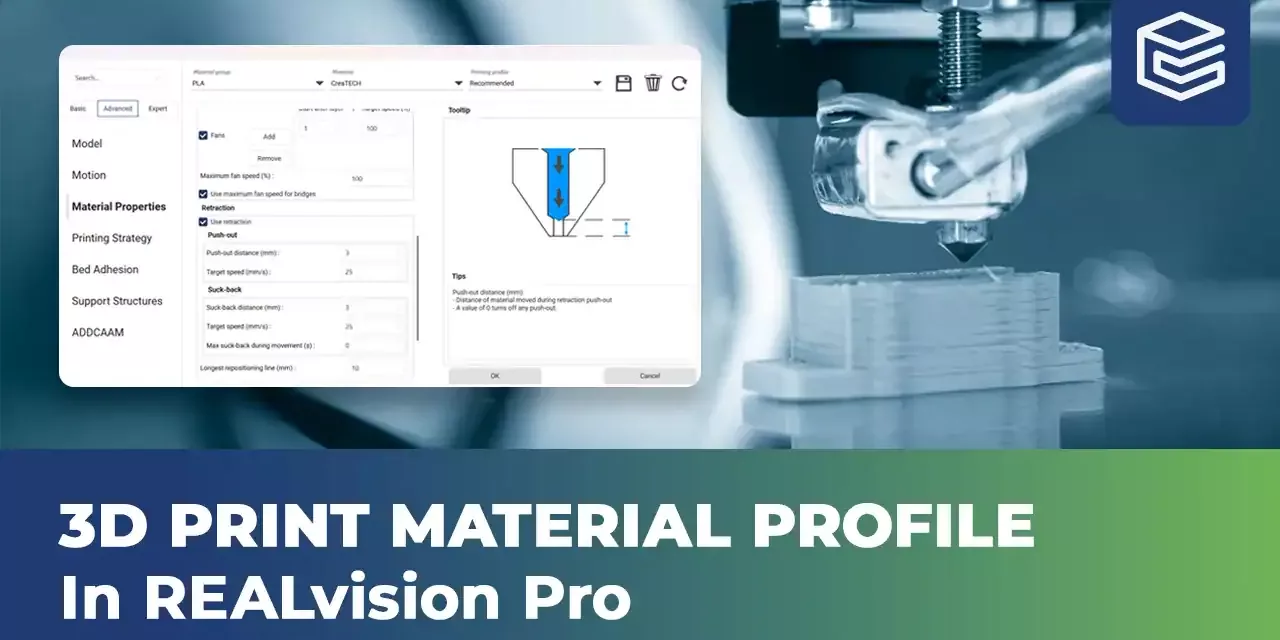
How to create 3D printing material profiles in REALvision Pro
Master 3D printing material profiles in REALvision pro. This intermediate guide is perfect for experienced 3D printing users who are new to REALvision pro slicing software and want to create optimized material and printing presets.
Video content
- Select the correct printer model before modifying the material settings.
- Open the material settings menu.
- Select Advanced settings.
- Choose the settings you want for your material profile.
- Save the settings by pressing the save button in the top right corner. Select save as material, then enter a name for the type of material, manufacturer and your material profile.
Reliable software supported by real 3D printing experience
Experience behind the trusty toolbox is the key to success. The software is based on the REALvision core, which is the backbone of the slicing software for a decade serving printer manufacturers as a white-label software. There is a team of experts who knows 3D printing from the inside out, continuously working on updates and new features. They are not only writing codes but constantly testing material, print settings, and experimenting. This is the expertise that REALvision Pro customers can access without risking their problems being posted in an online forum.