
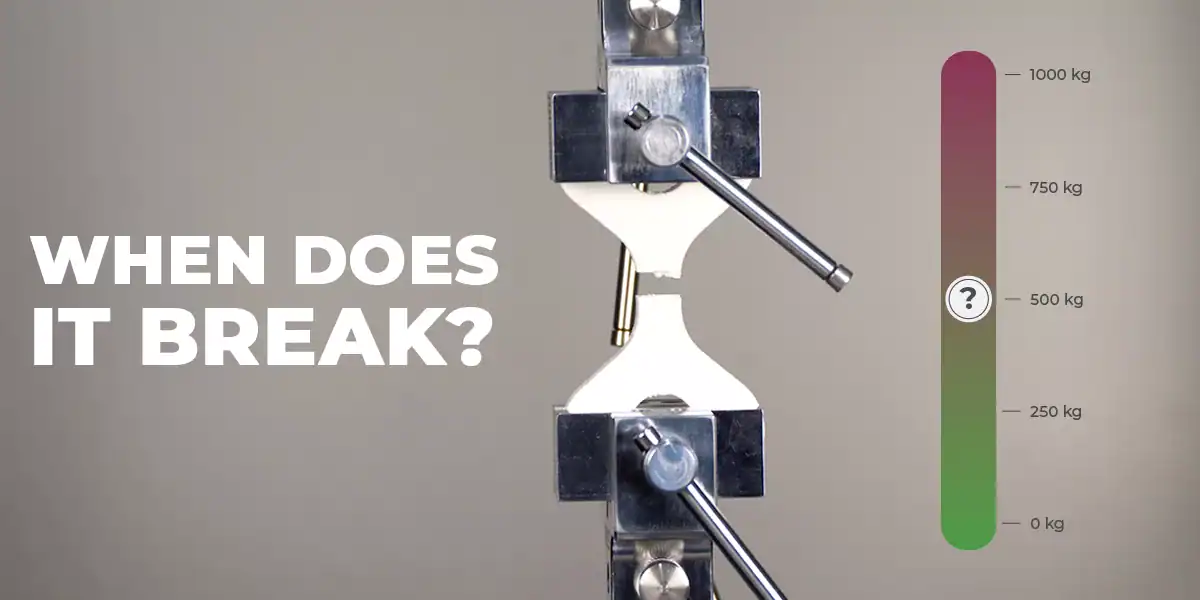
When does it break?
Testing software strategies and materials
This year, we have released two plugins for strong print strategies and made them available to everybody through REALvision Pro. Even though it is professional 3D printing software, we start at a price so everyone can use smarter 3D printing strategies. Claiming that we have the plugins to make FDM printing stronger in the Z direction is one thing, but actually testing them is another.
We have a Universal Testing Machine (UTM) that is ideal for assessing the impact of our printing strategies on Z-directional strength. To make it uniform, we need three components:
- One model we always use.
- REALvision Pro screen recordings and measurements from UTM.
- A scale to compare strength.
We decided to film everything, make individual videos for each test, and publish them on our YouTube channel under the title “When does it break”. Testing the same material with different printing strategies may bring surprising insight into the value of smarter slicing.
Finding the perfect model
To ensure uniformity, we have developed our own model to use commercially and share with others for testing. It is free to download below if you want to use it for your test print.
We load it in REALvision Pro in the custom size. At the thinnest section, the model has a cross-section of 15mm x 15mm.
The model was made with a couple of criterias to work as a standard for testing strength:
- To be visually pleasing.
- To have the ends fit in the jaws of the testing machine in order to ensure enough grip to break.
- To be wide enough in the narrowest section to fit enough voxels.
- To have a weak point.
- To test the strength in the Z direction.
REALvision Pro setting and measurement from UTM
The first sequence tests three settings using our own PLA material. This test is performed on standard hobby-level printers, such as Bambu Lab and Prusa.
- Standard 30% infill in REALvision Pro.
- ADDCAAM by Addman.
- Voxelfill by Aim3D.
Watch the videos below and see the impact of the different print strategies.
Invitation to test your print
For customers and material providers who print with REALvision Pro, we offer the option to have your parts tested using the same test scheme shown in the videos.
How to get your part tested:
- Download REALvision Pro and remember to activate the plugins.
- Download and print the model.
- Load the model in REALvision Pro and take a screenshot or record the settings.
- Record a short sequence of the 3D printing.
- Mark and send the print to us (Create it REAL, Hjulmagervej 28, 9000 Aalborg, Denmark). Send an email to [email protected] with the following info:
- Material
- Print strategy
- 3D printer
You can send multiple parts, but remember to mark them and include information for each.